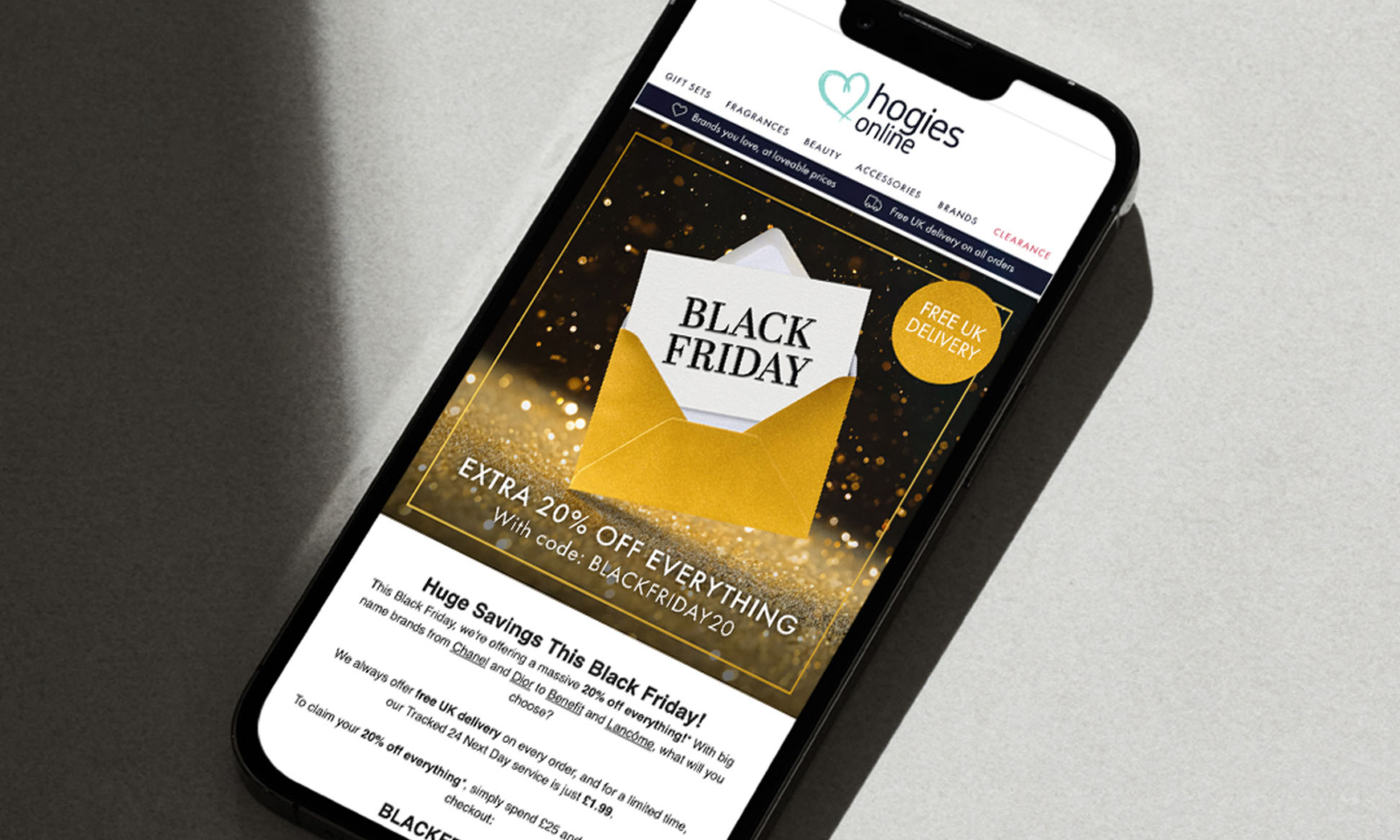
The big day is almost upon us. Are you prepared for Black Friday?
If you’re a Shopify user, then you have access to a whole range of handy tools and integrations to help you have a successful Cyber Weekend. In this post, we’ve curated a Black Friday checklist tailored for Shopify merchants to help you prepare, optimise and execute the perfect strategy for the biggest shopping event of the year.
1. On-site preparation
While Shopify is famed for its ability to handle a high number of transactions, there are still various preparations to be made in the run-up to Black Friday. Plus, the exact volume of transactions your site can handle may depend on the type of Shopify plan you’re using. If you’re expecting thousands of transactions per minute, for example, it may be time to think about upgrading to Shopify Plus to ensure a stable and seamless checkout process.
What you need to do:
Backup your store: ensure all data, theme settings, and inventory are backed up.
Update your theme: if you’re using a premade theme, check if it has any updates or security patches planned. If you’re customising your theme for Cyber Weekend then make sure it’s ready to switch over in time for the big day. Have your homepage banners and any other graphics are complete well in advance.
Test: A slow website is offputting to customers. Test and prepare your online store by checking loading speeds with tools like Page Speed Insights and assessing the architecture of your website (do you have a load of apps installed that are slowing it down?).
Implement a pre-launch page: create a countdown timer or teaser landing page to build anticipation and capture emails.
2. Product and inventory management
Before you can launch any sales or discounts, you need to select the products you want to promote for Black Friday. This should be done ASAP, to ensure you have the stock levels required in time for Cyber Weekend (or before).
Shopify offers multiple ways to forecast seasonal demand and identify which products to restock before Black Friday, from Shopify Reports to inventory management software apps.
Once you’ve selected the products you’re going to discount, you can then make dedicated collections in your Shopify admin, ready to launch when you need them. You can also merchandise these collections according to product popularity, stock levels etc.
What you need to do:
Do your research: use Shopify Reports to help make decisions about which products to restock and discount. The ‘sales by product’ reports can filter the previous year’s Cyber Weekend dates so you can identify which products typically sell well during this time.
Audit inventory: ensure popular products are well-stocked and orders will be delivered on time. Utilise Shopify’s inventory management tools or apps to track inventory, monitor stock within the supply chain and streamline operations.
Create specific collections: organise products into Black Friday and Cyber Monday collections for easy browsing. You could organise them into multiple categories depending on how many products you’re including, such as by discount percentage. If you’re offering a site-wide blanket discount, this probably won’t be necessary, but ensure the discount code is prominent across the website.
Set up bundles and upsells: create product bundles or upsell options for higher cart values. Shopify offers apps and integrations to encourage sales and boost AOV based on the products your customers love.
3. Promotions and discounts
Make sure you’ve planned exactly what type of promotions and discounts you’re going to offer in advance. You should also prepare for a longer sales period, as sales span far longer than Cyber Weekend these days, with more and more retailers beginning to launch special offers weeks in advance. If you do opt for this approach, offering staggered discounts leading up to a bigger saving on Black Friday itself is often the best way to go, to ensure the day itself isn’t a disappointment after all of that build-up.
What you need to do:
Plan and test discounts: define discount strategies (e.g., site-wide, product-specific) and test them before launch.
Enable discount codes: ensure discount codes are live, working, and tested for stackability or limitations.
Early access for VIP customers: offer early access to loyal customers or rewards scheme members. Email marketing is the ideal channel for communicating with these customers (more on this later).
4. Checkout and cart optimisation
Be sure to examine and test your checkout process, on both desktop and mobile. Keep in mind that the process should be as convenient and as quick as possible, limiting the number of steps to completion. For example, having to manually fill out every field can slow the checkout process and therefore hurt conversion rates. We’d recommend using payment gateways like Shop Pay, Apple Pay, and Google Pay to speed up the payment process and allow saved information to be auto-filled for ease.
What you need to do:
Simplify the checkout process: minimise steps to checkout and enable express options like Shop Pay, Apple Pay or PayPal. Adding buy now, pay later options such as Klarna can also help to increase conversions and AOV. One-page checkout is available to all Shopify users (Basic and above), and streamlines the process and by keeping the number of steps down to one, creating a much more convenient buying experience.
Add exit-intent pop-ups: capture potential cart abandoners with special discounts or email capture via pop-ups on your website.
Offer free shipping: Consider setting a free shipping threshold to boost average order values. For example, you could offer reduced shipping for orders over £50, but free shipping for orders over £75. While free and fast shipping can increase orders, this kind of promotion can be expensive for your business, so make sure any discounts you offer are worthwhile. Shopify Shipping allows you to connect your Shopify account with shipping carrier accounts such as Evri and DPD. This can make the shipping process much quicker as you can print postage labels directly from your Shopify admin, get discounted rates and display calculated shipping rates (rather than flat rates) to customers at the checkout.
Customise checkout pages: all Shopify users can customise the appearance of their checkout pages, but Shopify Plus users have access to more advanced customisation options. These options include access to the Checkout Branding API and the ability to customise payment methods and delivery options.
5. Email marketing campaigns
Email marketing is one of the most important components of a Black Friday marketing strategy. Begin sending email campaigns in the weeks running up to Black Friday, to notify your most engaged customers of the schedule and what types of promotions they can expect in advance. You should also reward these customers with exclusive offers and early access to foster loyalty and repeat business long after Cyber Weekend.
What you need to do:
Craft dedicated email campaigns: schedule emails for pre-launch, live sale announcements, and last-chance alerts. Use countdown timers to create a sense of urgency.
Segment your list: target different customer segments (e.g., VIPs, cart abandoners) with personalised offers. Personalisation is key to a successful email marketing campaign, and can drastically boost open rates, click rates and conversions. You can integrate your Klaviyo or MailChimp account with your Shopify Admin to aid personalisation, allowing you to create campaigns based on customer purchasing history and interests.
Set up automations: online shoppers are nearly 77% more likely to abandon their carts during the Black Friday period. Setting up abandoned basket automations can help you to capture some of these and turn them into conversions.
6. Customer service prep
More customers, higher order volumes and increased demand can lead to a hectic time for customer support. But providing a positive customer experience is essential to a successful Black Friday. Make sure you have enough support on hand to deal with customer queries, and utilise AI chatbots to relieve some of the strain on your customer service team.
What you need to do:
Prepare FAQs: create a clear FAQ page addressing shipping, return policies, and sale terms. Make sure it’s easy to find on-site and clearly signposted to keep unnecessary customer inquiries to a minimum.
Set up live chat: have customer support live chat set up on your site so that users can get an instant response. Use chatbots to help answer generic questions or to guide customers to the products they’re looking for, lessening the workload for your team.
Define return policies: set and communicate Black Friday-specific return or exchange policies clearly.
Need expert guidance on turning Black Friday customers into long-term customers? Our ecommerce consultants can help – book an appointment to get started.
